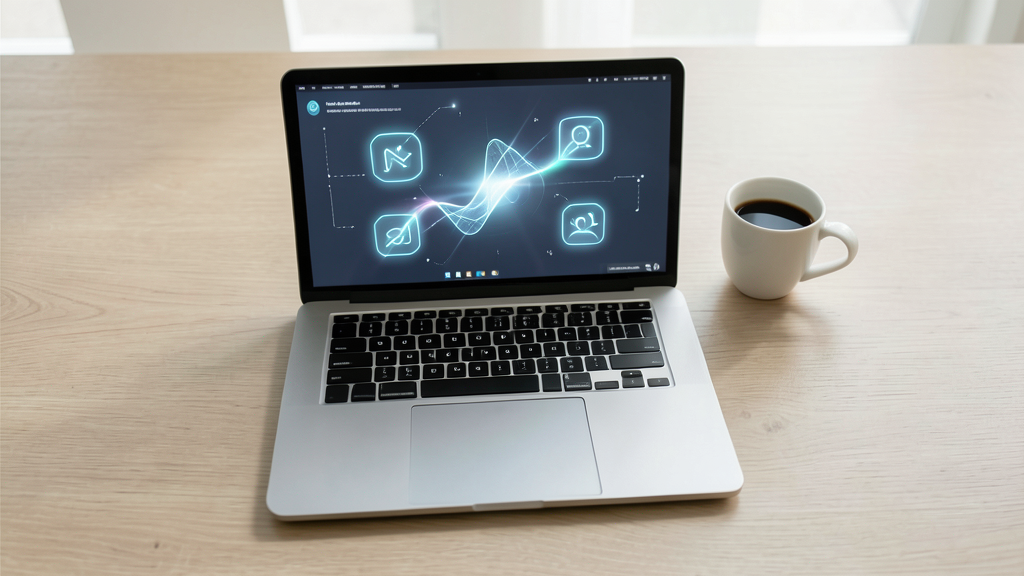
The Convergence of Input Methods
The introduction of a PROLED XDR touchscreen on the MacBook Pro marks a significant pivot in how users interact with macOS. Rather than replacing the traditional trackpad, this hardware shift forces the operating system to manage a 'hybrid' input environment. The core challenge for users is no longer choosing between touch and mouse, but learning how the OS balances these two distinct interaction languages in a single workspace.
With macOS 27 Golden Gate, the system is moving toward a model where direct manipulation and precision gestures coexist. For the reader, this means the interface is becoming more forgiving. The OS is beginning to prioritize visual feedback—such as icons that enlarge when tapped—to bridge the gap between the high-precision requirements of a cursor and the broader, more tactile nature of a finger.
Visual Feedback and Touch Targets
One of the most practical changes for daily use is the optimization of touch targets. In many applications, the visual size of a button may remain small to preserve a clean aesthetic, but the underlying 'hit area' is expanded. This allows for a more reliable experience where the software understands a finger tap even if it doesn't land perfectly on the pixel-perfect center of an icon.
This logic extends to standard system elements. For instance, traffic light icons in app windows and context menu items in the menu bar are designed to enlarge during interaction. These changes are intended to reduce the frustration of 'missed' clicks, providing a smoother transition for users who may be moving between using a trackpad for heavy lifting and a finger for quick navigation.
It is important to note that these optimizations are not universal. While 'most optimized apps' will feature these larger targets, the experience will vary depending on how individual developers choose to implement touch support in their specific software.
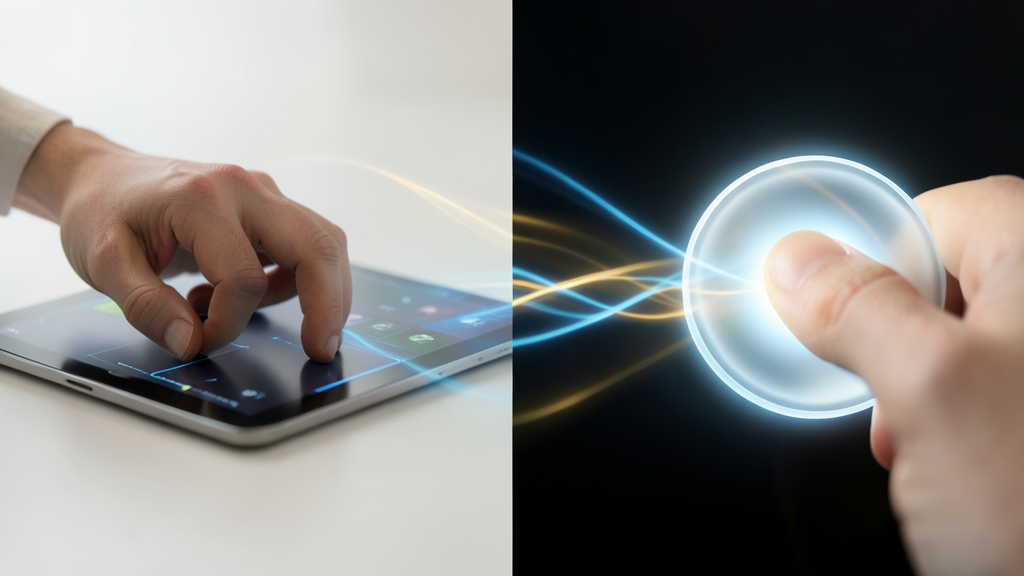
Gesture Parity and Navigation
A significant shift occurs in how users move through the OS. The new MacBook Pro supports several gestures that were previously exclusive to the trackpad. Users can now perform three-finger swipes for Mission Control and switching spaces, as well as pinching to zoom and scrolling through web pages directly on the screen.
This creates a unique navigation profile. By allowing touch to perform high-level system commands like space switching, Apple is moving away from the idea that the trackpad is the only tool for 'complex' movement. However, this also introduces a layer of complexity: the OS must ensure that a swipe intended for a web page doesn't accidentally trigger a system-level gesture. The goal is a fluid parity where the most natural motion for the task—whether it's a flick of a finger or a slide of a trackpad—is the primary method of execution.
Furthermore, the inclusion of Spotlight access via the Dynamic Island suggests a move toward a more centralized, glanceable navigation style, mirroring the behavior found on iPhones running iOS 27.
What Changes and What Remains Unknown
For the reader, the immediate change is a more responsive, tactile interface that feels 'aware' of your input method. You can expect a more forgiving UI in Safari, thanks to pull-to-refresh, and a more consistent experience when using the iOS simulator, which now allows for full navigation via touch.
However, the long-term impact on trackpad-centric workflows remains to be seen. While the current feature set is robust, Apple has indicated that additional touch optimizations are planned for future releases. This means the current state of the MacBook Pro touchscreen is an evolving foundation rather than a finished product. We do not yet know how many third-party applications will fully adopt these expanded touch targets, or if the increased reliance on touch gestures will eventually lead to a redesign of the standard macOS spatial layout.